
*Product images are shown for illustration purposes only. Actual product appearance and specifications may differ.
HIKVISION
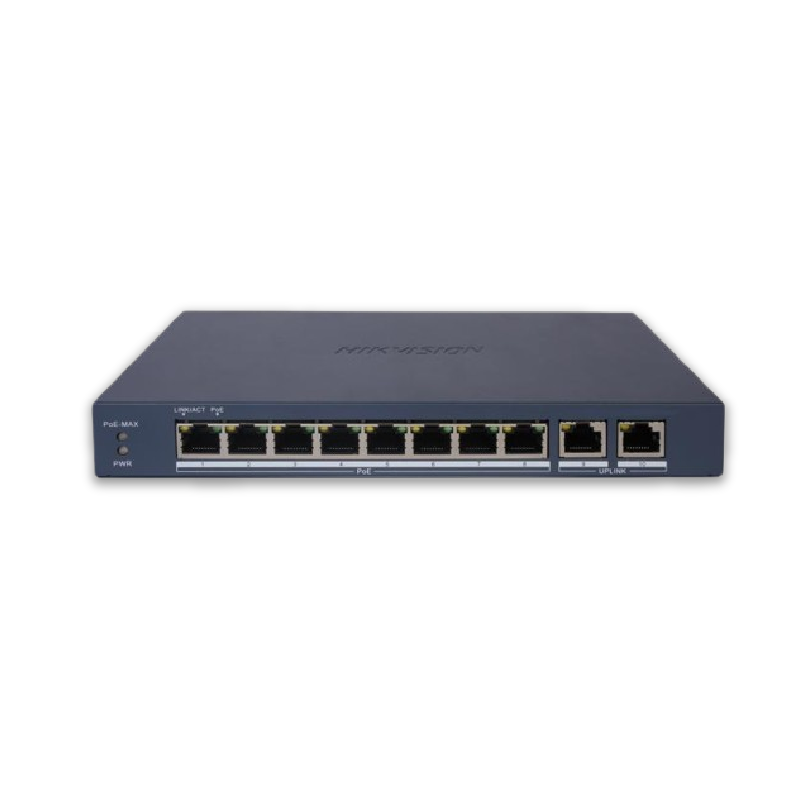
DS-3E1510P-EI/M
8-Port Gigabit Smart POE Switch
The Hikvision DS-3E1510P-EI/M is a compact 10-port full-Gigabit smart managed PoE switch featuring 8× 10/100/1000 Mbps PoE/PoE+ ports (60W total power budget, up to 30W per port) and 2× 10/100/1000 Mbps RJ45 uplink ports. Engineered for 4K IP CCTV surveillance, Wi-Fi access points, and small business networks, it delivers a 20 Gbps switching capacity and 14.88 Mpps packet forwarding rate inside a durable, fanless metal shell. Built with up to 300m Long-Range PoE transmission, PoE Watchdog auto-recovery, 802.1Q VLAN (up to 32 VLANs), port isolation, cable fault detection, and 6 kV surge protection, it keeps high-bandwidth devices running smoothly 24/7. Installers can monitor live network topology, check port power load, and restart frozen devices remotely via Hik-Partner Pro, Hik-Central Pro, or the local web interface.
Hikvision DS-3E1510P-EI/M Smart Switch Key Features:
- Eight Full-Gigabit PoE+ Ports (60W Budget): Ports 1 to 8 support standard IEEE 802.3af/at PoE+ output up to 30W per port. Consequently, you can directly power 4K IP cameras, ceiling Wi-Fi APs, and VoIP phones using single network cables.
- Two Gigabit RJ45 Uplink Ports: Two dedicated 10/100/1000 Mbps uplink ports connect smoothly to your NVR recorder and main router. Therefore, combined video streams from all eight cameras transfer without lag or frame drops.
- Up to 300m Long-Range PoE Transmission: Ports 1 to 8 support extended PoE transmission up to 300 meters. You can easily reach distant perimeter gates or warehouse corners without installing extra repeaters.
- Smart PoE Watchdog Auto-Restart: PoE Watchdog continuously checks connected security cameras across ports 1 to 8. If a camera freezes or stops responding, the switch automatically restarts that port to restore live video.
- VLAN, Port Isolation, and 6 kV Surge Protection: 802.1Q VLAN and port isolation separate device traffic to boost network security. Moreover, built-in cable diagnostics locate open or short circuits fast, while 6 kV surge protection guards all ports against lightning spikes.
Management and Deployment:
General
| Shell | Metal material |
| Net Weight | 0.54 kg (1.19 lb) |
| Gross Weight | 1.08 kg (2.38 lb) |
| Dimensions | 217.6 mm × 27.6 mm × 108.5 mm (8.57'' × 1.09'' × 4.27'') |
| Operating Temperature | 0 °C to 40 °C (32 °F to 104 °F) |
| Storage Temperature | -40 °C to 85 °C (-40 °F to 185 °F) |
| Operating Humidity | 5% to 95% (no condensation) |
| Relative Humidity | 5% to 95% (no condensation) |
| Power Supply | 54VDC, 1.2A |
| Installation Mode | Desk-Mounted,Wall-Mounted |
| Max. Power Consumptio | 65 W |
| Power Consumption in Idle | 2.5 W |
| Surge Protection | 6 kV |
Network Parameters
| Ports | 8 × Gigabit PoE port,2 × Gigabit RJ45 port |
| MAC Address Table | 4 K |
| Switching Capacity | 20 Gbps |
| Packet Forwarding Rate | 14.88 Mpps |
| Internal Cache | 1.5 Mbits |
Software Function
| Long Range | Ports 1 to 8: up to 300 m. Long range performance may vary depend on camera model or cable condition. |
| Port Isolation | Ports 1 to 8: port isolation mode to improve network security Ports in an isolation group cannot communicate with each other, but they can communicate with ports outside the isolation group. |
| PoE Watchdog | Ports 1 to 8: auto detect and restart the cameras that do not respond. |
| Link Aggregation | Link aggregation is used to aggregate multiple physical ports to form a logical port for load balancing, bandwidth expansion, and port protection. Support static link aggregation. Support 3 aggregation groups. |
| Loop Prevention | Loop prevention is used to prevent the switching network from forming loops, which will seriously affect network communication. Disabled by default. Support 802.1D STP. Support 802.1w RSTP. |
| VLAN | VLAN is used for network scale planning and network health improvement. Support 802.1Q. Configurable VLAN ID from 1-4094. Support Trunk, Access port mode. Support Max. 32 VLAN. |
| HPP | Support one-click activation and remote management via Hik-Partner Pro. Functions supported: 1. Display the port rate. 2. Display the port bandwidth utilization rate. 3. Display the PoE power usage. 4. Display topology information. 5. Display the alarm status. 6. Restart ports and devices. 7. Enable port long-rage mode. 8. Remotely upgrade the device. |
| System Maintenance | Support device management via web. Support DHCP Client. Enabled by default for dynamic assignment of management IP addresses. Support Super IP, which is a fixed IP address (10.180.190.200) for direct access. Support management via Hik-Central Pro. Support remote management via Hik-Partner Pro. Support cable detection. Abnormal open circuits and short circuits as well as network cable length can be detected. Support 802.1ab LLDP for peer device discovery. Support port mirroring for fault locating. |
PoE Power Supply
| PoE Standard | IEEE 802.3af,IEEE 802.3at |
| PoE Power Pin | End-span: 1/2(-), 3/6(+) |
| PoE Port | PoE: Ports 1 to 8 |
| Max. Port Power | 30 W |
| PoE Power Budget | 60 W |
Approval
| EMC | CE-EMC (EN 55032: 2015+A11: 2020, EN IEC 61000-3-2: 2019, EN 61000-3-3: 2013+A1: 2019, EN 50130-4: 2011+A1: 2014, EN 55035: 2017+A11: 2020) |
| Safety | CB (AMD1:2009, AMD2:2013, IEC 62368-1: 2014 (Second Edition), CE-LVD (EN 62368-1: 2014+A11: 2017) |
| Chemistry | Reach (Regulation (EC) No.1907/2006),WEEE (2012/19/EU),CE-RoHS (2011/65/EU) |
Request a Quotation
Fill in your details below and we will get back to you with a quotation for HIKVISION DS-3E1510P-EI/M.
You May Also Like
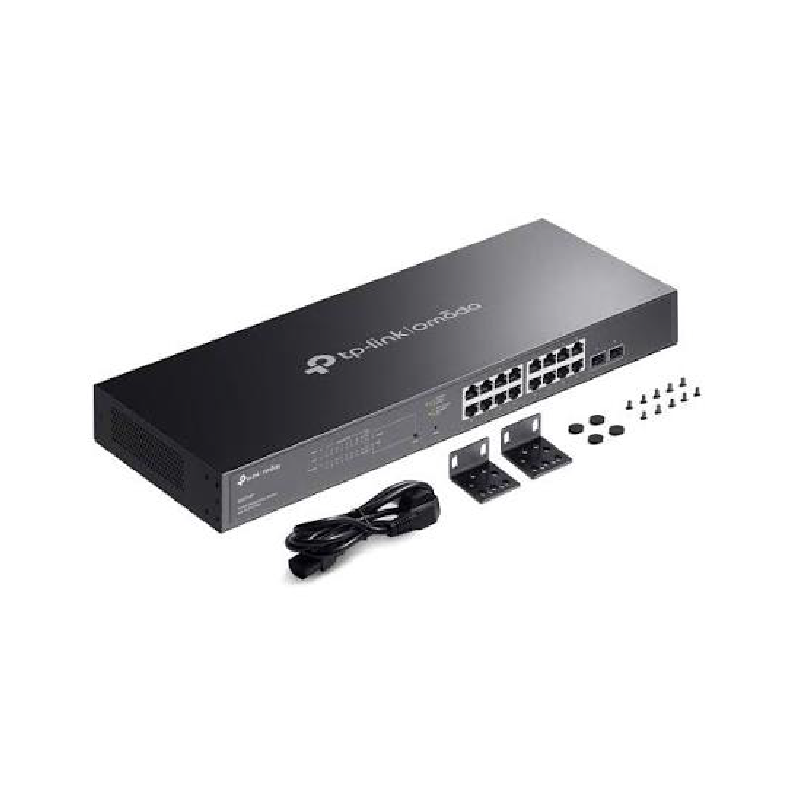
TP-LINK
TL-SG2218P
JetStream 18-Port Gigabit Smart Switch with 16-Port PoE+ View Details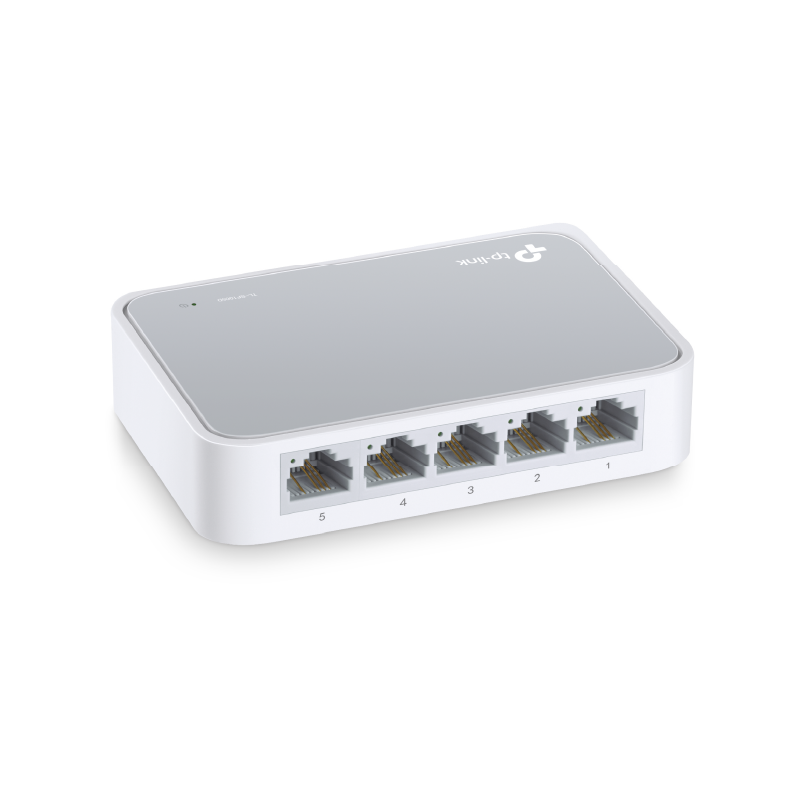
TP-LINK
TL-SF1005D
5-Port 10/100Mbps Desktop Switch View Details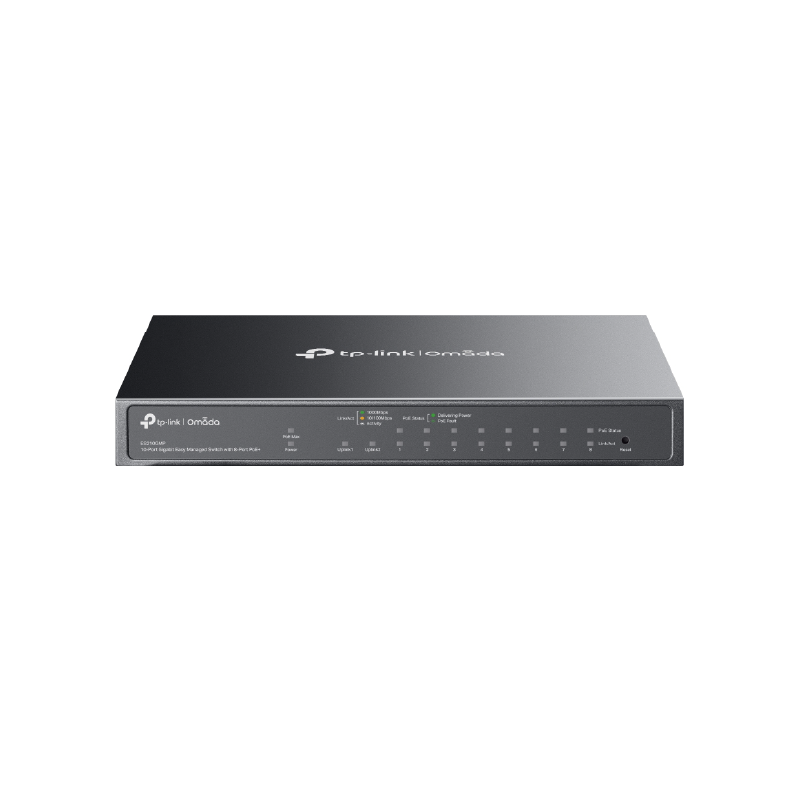
TP-LINK
ES210GMP
Omada 10-Port Gigabit Easy Managed Switch with 8-Port PoE+ View Details
TP-LINK