
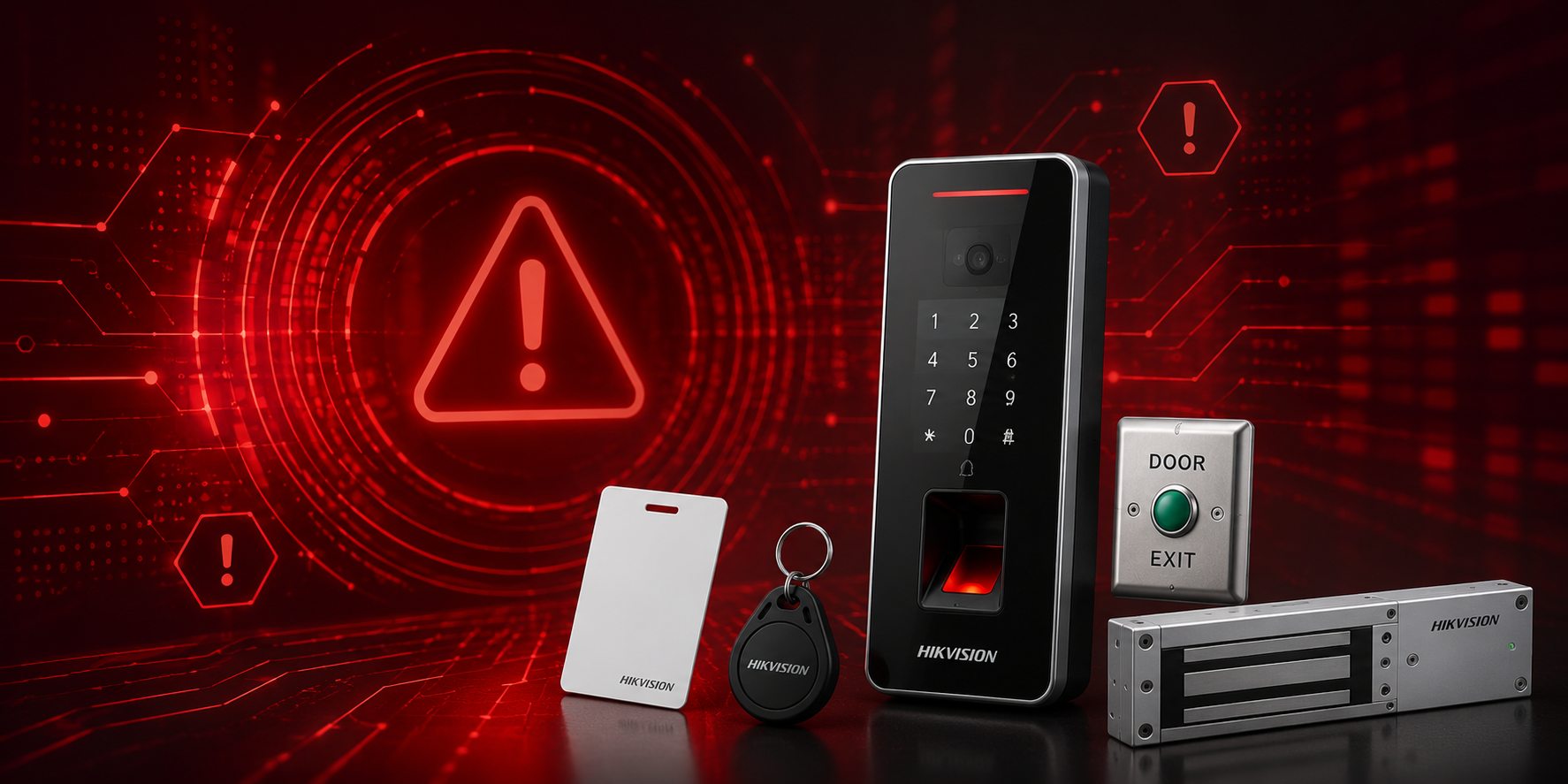
An access control system helps businesses manage who can enter specific doors, rooms, and restricted areas. However, poor setup and management can reduce its effectiveness. Avoiding a few common mistakes can help improve security, prevent unauthorised access, and keep the system working reliably.
1. Relying on Only One Verification Method
Using only one method, such as an access card, may not provide enough protection for sensitive areas. Cards can be lost, stolen, or shared with another person.
For areas that require higher security, consider multi-factor verification, such as:
- Access card + PIN
- Access card + fingerprint
- PIN + facial recognition
This provides an extra layer of security before access is granted.
2. Not Updating Access Permissions
Access permissions should be updated whenever there are changes in employees, visitors, or job responsibilities. Old access permissions can allow people to enter areas they should no longer have access to.
Remove or update access immediately when:
- An employee leaves the company.
- An access card is lost or stolen.
- Temporary visitor or contractor access expires.
- An employee changes department or access level.
Regularly reviewing access permissions also helps ensure that only authorised people can enter restricted areas.
3. Skipping Regular Maintenance
Like other security systems, access control systems need regular checks to remain reliable. A faulty reader, outdated software, or unnoticed system problem may affect daily access and security.
Regular maintenance should include:
- Testing card, fingerprint, or facial recognition readers.
- Checking door locks and access devices.
- Reviewing access and activity logs.
- Updating system software or firmware when required.
- Checking that backup power and network connections are working properly.
Regular system checks can help identify problems early and keep the access control system operating smoothly.